
Mobile APP
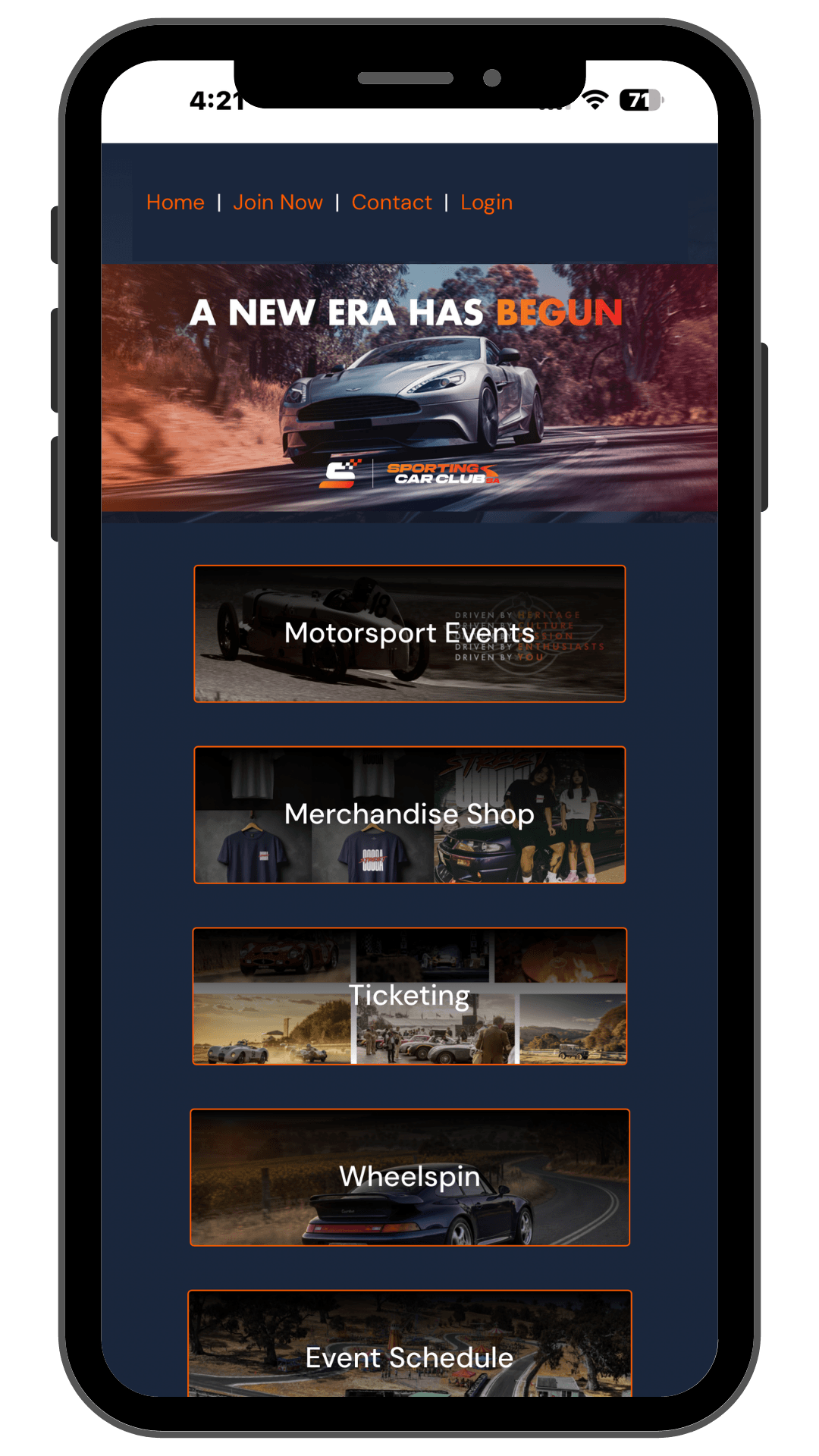
The Sporting Car Club SA Web App is Live!
Navigating club events, updates, and member resources on your mobile device just got a whole lot smoother. We’ve launched the new Sporting Car Club SA Web App—designed to give you seamless, mobile-friendly access to everything you need, right from the palm of your hand.
What You Can Do:
-
Instant Mobile Access: Tap directly into upcoming motorsport events, club meets, and social runs.
-
Effortless Navigation: Clean, touch-optimized menus built specifically for smartphone screens.
-
Save to Home Screen: Access it just like a regular mobile app without downloading anything from an app store.
How to Install – iPhone / iPad (Safari)
- Open Safari and go to the website you want to save.
- Tap the Share button at the bottom of the screen (the square icon with an arrow pointing upward).
- Scroll down the menu and tap Add to Home Screen.
- (Optional) Edit the name of the shortcut if you like.
- Tap Add in the top-right corner.
The website icon will now appear on your home screen like a regular app!
How to Install Android (Google Chrome)
- Open Google Chrome and go to the website you want to save.
- Tap the Menu button in the top-right corner (the three vertical dots).
- Tap Add to Home screen (or Install app / Add to Phone).
- (Optional) Edit the name of the shortcut.
- Tap Add (and tap Add automatically if prompted).
The shortcut is now saved to your home screen for quick 1-tap access!
UPCOMING EVENTS I UPCOMING EVENTS I UPCOMING EVENTS








Shop Now
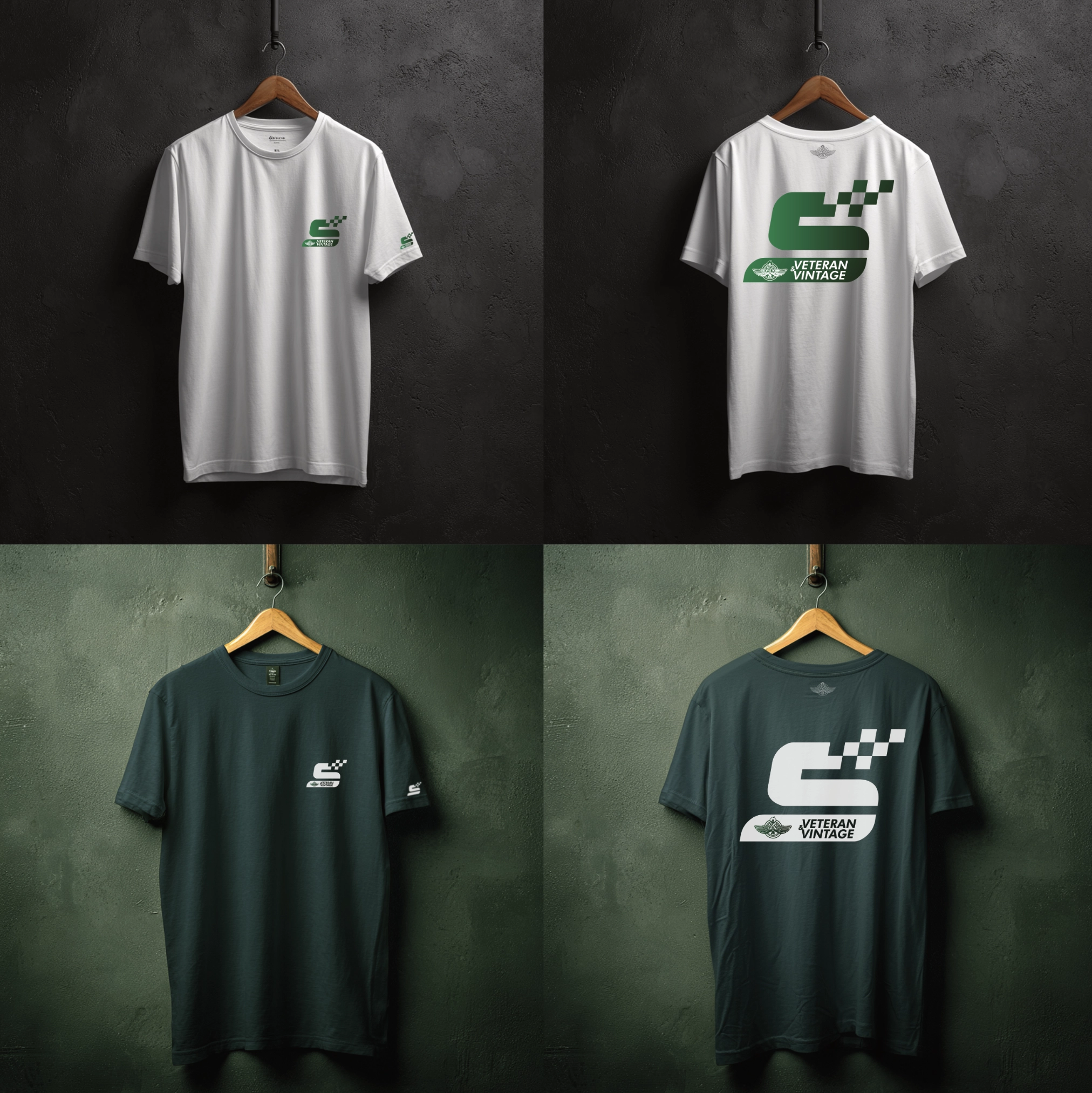
Merchandise

Become A Member
Join Now

Venue Hire
Mawson House & Reg Sparks Room

Motorsports
Enter Now